
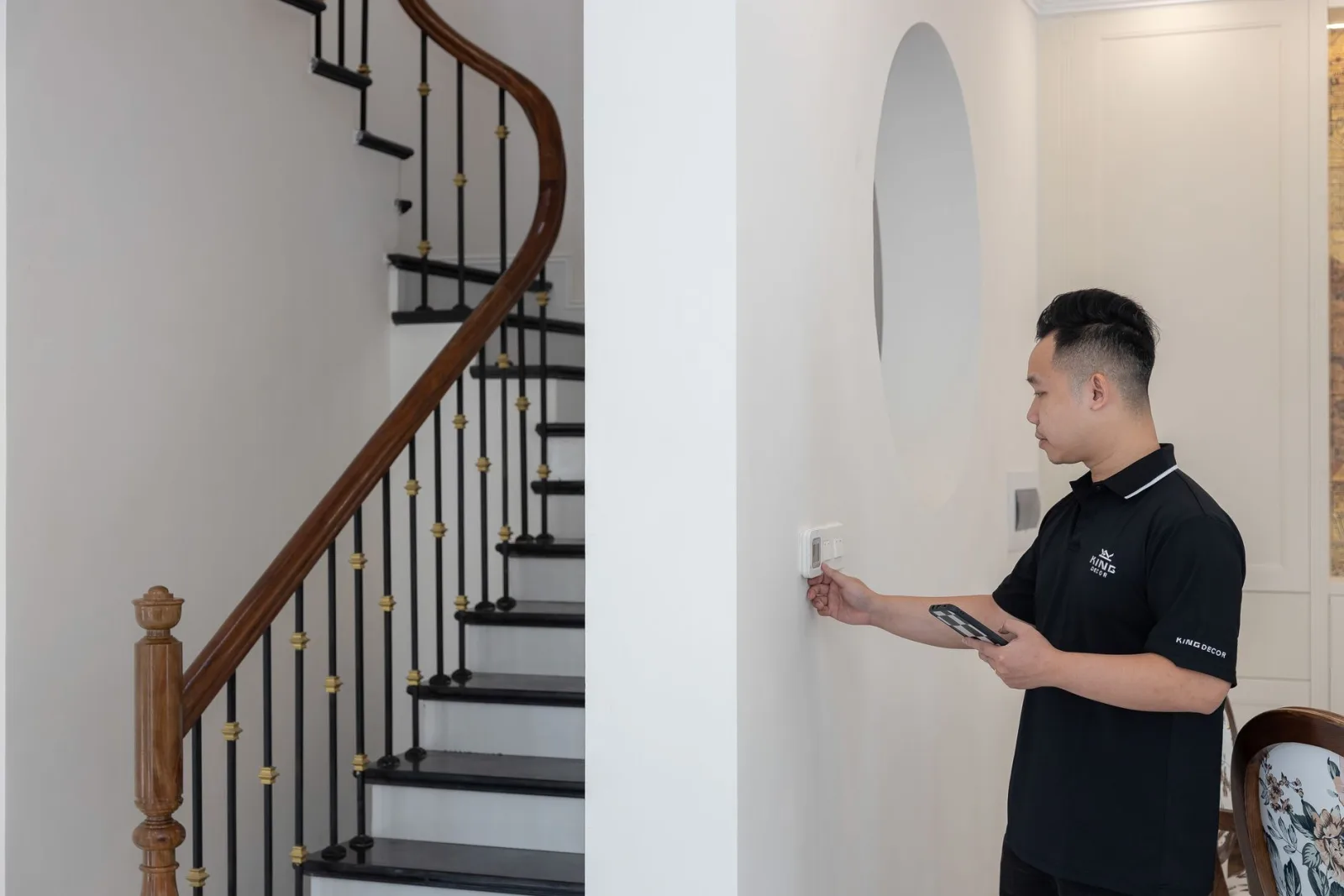
In short: home automation is the set of techniques that automate and control the equipment in a home: heating, lighting, shutters, security. It relies on sensors, actuators and a controller that links them through a communication protocol. It goes further than simple remote control, since it lets the home act on its own according to routines.
Looking for a clear home automation definition quickly leads to very different answers. For some, it means a bulb switched on from a smartphone; for others, a house that adjusts its heating, shutters and alarm on its own. The term actually covers both situations, with varying degrees of automation. This guide sets out the definition of home automation, explains how it works, its protocols and its uses, then details the points to review before equipping a home.
Home automation at a glance
Home automation covers most of the electrical equipment in a house or apartment. The table below sums up the main areas, the devices involved and an example of automation for each.
| Area | Equipment involved | Example of automation |
|---|---|---|
| Heating | Thermostat, thermostatic valves, controlled radiators | Lower the set point when the home is empty |
| Lighting | Bulbs, switches, in-wall modules | Switch on the hallway light when the door opens |
| Openings | Roller shutters, gate, garage door | Close the shutters at sunset |
| Security | Door, motion and smoke detectors | Send an alert to the smartphone |
| Water and energy | Leak sensors, plugs with energy metering | Shut off the water supply if a leak occurs |
Common examples of use: feasibility depends on each device’s compatibility with the chosen controller.
Home automation: definition and origin of the word
The French term for home automation, domotique, combines the Latin domus, the house, and the word for computing. The Larousse dictionary defines it as the set of techniques that bring automation related to security, energy management and communication into the home. Home automation draws on several disciplines: electronics, automation, computing, telecommunications and building physics.
In practice, the definition of home automation fits into three verbs: measure, decide, act. A sensor measures a temperature, a presence or an opening. A controller compares this information with rules. An actuator carries out the command, for example closing a shutter or switching off a radiator. As long as this chain runs without human intervention, it is home automation in the full sense.
Home automation and connected home: what is the difference?
The two notions overlap without being identical. A connected home refers to devices linked to the internet and controlled remotely: a plug switched on from an app, a camera checked while away. Home automation adds automation, that is the home’s ability to react on its own to an event or a time of day. A home automation system therefore makes a home connected, but a connected home is not necessarily automated.
Home automation and building automation
Home automation concerns the dwelling. When the same techniques apply to a whole apartment block, offices or a public building, the term building automation is used: centralised management of lighting in shared areas, collective heating, access or ventilation. The expressions smart home and intelligent home are used as synonyms of home automation in everyday language.
How does a home automation system work?
A home automation system relies on four building blocks that communicate with each other. How they fit together explains both what an installation can do and what it costs.
Sensors, actuators and controller
Sensors collect information: temperature probe, motion detector, door contact, light or water leak sensor. Actuators act on the home: shutter motor, heating relay, smart plug, in-wall module placed behind a standard switch. Between the two, the controller, also called a server, hub or home automation hub, receives the data, applies the rules and sends the commands. Finally, the interface lets the occupants adjust everything: mobile app, wall screen, remote control or voice command.
Routines and automations
The strength of home automation lies in routines, sequences of actions triggered by a single event. A “leaving” button can switch off all the lights, lower the heating and arm the alarm. A “morning” routine can open the kitchen shutters at a set time on weekdays. Triggers vary: a time, sensor data, the location of the occupant’s smartphone, the weather or the state of another device.
Wired, radio or powerline
Devices communicate over three main media. Wired systems, with a dedicated cable called a bus, are planned during construction or a major renovation, because cables have to run through the walls. Radio, which is wireless, installs without building work and therefore suits an existing home or a rental. Powerline communication uses the electrical wiring already in place to carry commands from one socket to another. The three approaches can coexist in the same home.
Home automation communication protocols
For sensors, actuators and the controller to understand each other, they must speak the same language, called a protocol. The most common in homes are Wi-Fi and Bluetooth, already present in most households, and radio protocols designed for home automation: Zigbee, Z-Wave, Thread or EnOcean. On the wired side, the KNX standard is common in new builds and commercial buildings.
Some manufacturers use a proprietary protocol that only works with their own products. Others rely on open protocols shared by many brands. The Matter standard, backed by a consortium of manufacturers, aims to make devices from different brands work together over Wi-Fi and Thread. The choice of protocol determines how freely equipment can be added later.
What is home automation used for in daily life?
The uses of home automation fall into a few main areas. A single device often serves several of them at once.
Comfort
Scheduling the shutters, switching on lights as someone walks past, warming a bathroom before waking up or setting a lighting scene for a film: home automation removes part of the repetitive tasks. Control can be by voice, from a smartphone or with a simple wireless switch placed wherever it is useful. A robot vacuum scheduled to run while the occupants are out is a common example.
Security
Door and motion detectors, a siren, cameras and outdoor lighting can work together. During an absence, home automation simulates presence by switching lamps on and operating the shutters at varying times. A smoke detector linked to the controller can also send an alert to the smartphone or trigger the shutters to open; its location remains decisive, as explained in the guide on where to place a smoke detector. Camera footage can also be viewed away from home, as explained in the guide to view a security camera remotely on a smartphone. At the entrance, a video intercom completes the setup: see how to wire an intercom.
Energy savings
Heating is the first area concerned. Room-by-room control, a set point lowered at night or while the occupants are away, and a radiator that stops automatically when a window opens avoid heating for nothing. Metering plugs and modules display the consumption of each device, which helps spot the most energy-hungry items. The actual saving depends on the home’s insulation, the heating system and the household’s habits.
Autonomy for elderly or disabled people
Home automation makes life easier for people with reduced mobility: opening a door, adjusting lighting or heating without moving, receiving an alert when there is an unusual lack of movement. This is one of the historical uses of home automation, supporting people who wish to stay in their own home.
Points to review before equipping a home
A successful home automation installation starts from needs, not from devices. A few questions help avoid unpleasant surprises.
- Interoperability: the chosen devices must use a protocol the controller understands. Mixing several closed ecosystems means juggling several apps.
- Personal data: some solutions process information locally, others go through an online service. Where the data is stored and the manufacturer’s policy deserve careful reading.
- Reliance on the internet: a system that runs locally keeps executing its routines during a connection outage, which is not the case for every installation.
- Cost and building work: a radio solution can be installed gradually, room by room. A wired installation is decided at construction time or during a major renovation, with an electrician.
- Scalability: a controller open to several protocols makes it possible to add devices from different brands as needs evolve.