
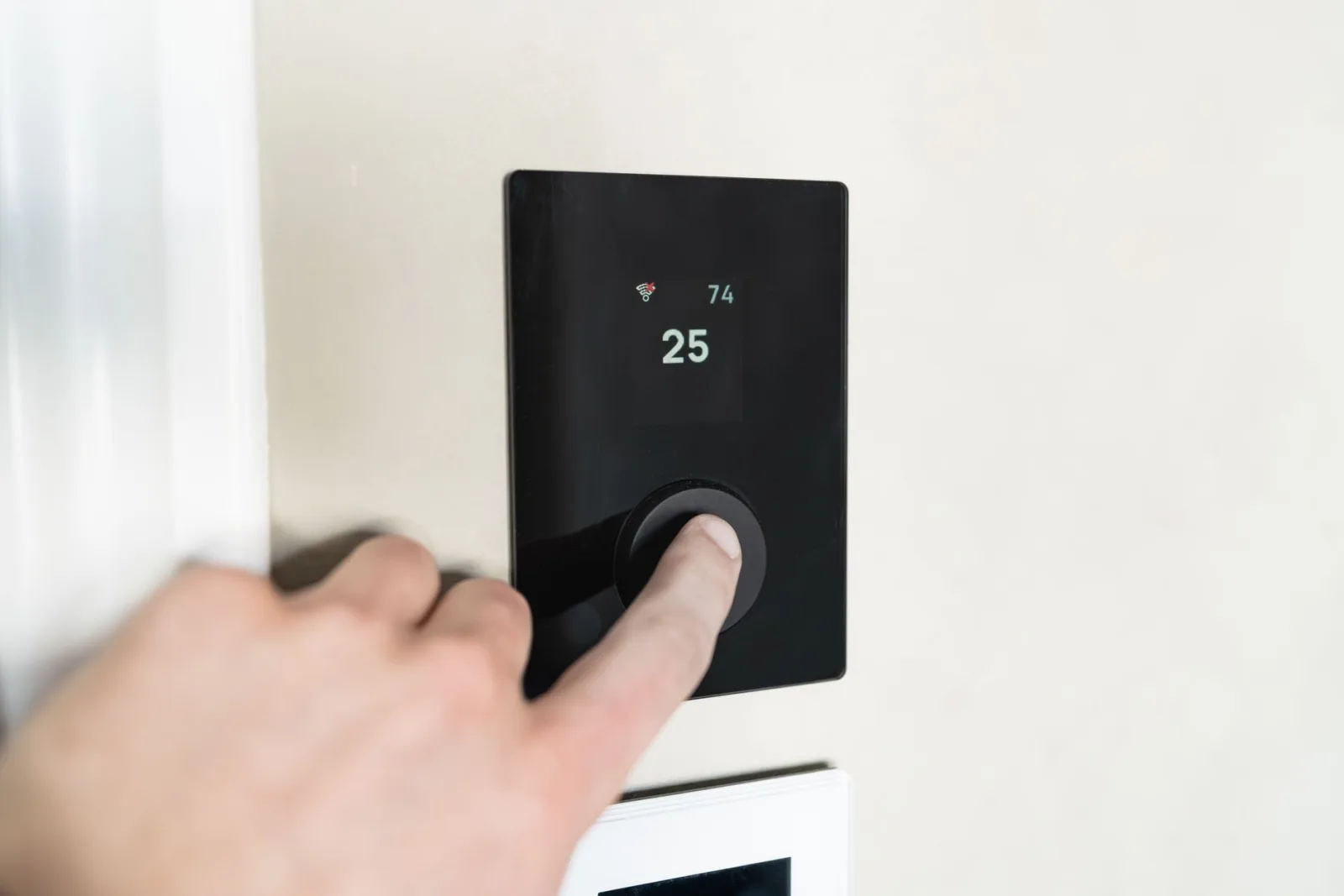
In short: a home automation hub is the controller of a smart home: it links sensors and equipment, applies routines and is controlled from an app. It also acts as a gateway between different protocols, such as Zigbee, Z-Wave, Thread, Matter or Wi-Fi. When choosing one, the supported protocols, local or online processing and openness to other brands matter more than design.
A home automation hub is often described as the brain of the smart home. The image is accurate: without it, each device keeps its own app and settings, and the equipment cannot act together. With it, a door sensor can switch on a light, a temperature probe can control a radiator, and a button can start a whole routine. This guide explains what a home automation hub is, what it is used for, which protocols it links and which criteria to review when choosing one, without ranking any products.
Home automation hub protocols at a glance
A home automation hub is defined first by the languages it understands. The table below sums up the most common protocols in the home.
| Protocol | Network type | Frequency or medium | Common uses |
|---|---|---|---|
| Wi-Fi | Radio, around the router | 2.4 and 5 GHz | Cameras, plugs, data-heavy devices |
| Bluetooth | Short-range radio | 2.4 GHz | Locks, nearby sensors, setup |
| Zigbee | Mesh radio | 2.4 GHz | Bulbs, sensors, plugs |
| Z-Wave | Mesh radio | Around 868 MHz in Europe | Shutters, locks, alarm |
| Thread | IPv6 mesh radio | 2.4 GHz | Recent Matter devices |
| Matter | Common layer | Over Wi-Fi and Thread | Devices from different brands |
Frequency bands according to the public presentations of each protocol. A single device can combine several of them.
Home automation hub: definition and role
A home automation hub, also called a controller or central unit, is a box that is often smaller than an internet router. It centralises data from the sensors and connected equipment installed in the home, and sends the occupants’ commands back to them. The interface takes the form of a mobile app, a wall screen or voice control. To understand where the hub fits in a complete system, the guide to the home automation definition details the role of sensors, actuators and routines.
Hub or gateway: what is the nuance?
A home automation gateway translates one protocol into another: for example, it lets Zigbee sensors talk to the home’s Wi-Fi network. The hub does this translation work and adds intelligence: routines, automations, history, dashboard. Most hubs are therefore also gateways. Conversely, a simple gateway supplied with a range of bulbs or sensors often just links its own devices to the manufacturer’s app.
Home automation hub and internet router: two separate roles
The internet router connects the home to the internet provider’s network and broadcasts Wi-Fi. The home automation hub manages the equipment in the house. It connects to the router, by Ethernet cable or over Wi-Fi, so that it can be controlled remotely and receive updates. The two devices coexist without replacing each other.
What is a home automation hub used for?
The first benefit of a home automation hub is to bring together, in a single interface, equipment that would otherwise each have its own app. It then serves several purposes: A compatible robot vacuum can also be part of these routines, for example to clean while the home is empty.
- Creating routines: a “leaving” button switches off the lights, lowers the heating and arms the alarm; an evening routine closes the shutters at nightfall.
- Letting the home react on its own: opening a window switches off the radiator in that room, a water leak detection triggers an alert.
- Linking different brands and protocols: a Zigbee sensor can control a Z-Wave shutter or a Wi-Fi plug.
- Remote control: checking the state of the home, receiving notifications from a detector, changing a set point while away.
- Centralising security: a connected smoke detector can switch on the hallway lights, provided it is properly installed, as the guide on where to place a smoke detector points out.
How does a home automation hub work?
Each new device is first paired with the hub, a step called inclusion or pairing. The hub gives it a place in its network and displays it in the app. The occupants’ commands, sent from the app or by voice, are translated by the hub into signals the target device understands.
A mesh network around the hub
Zigbee, Z-Wave and Thread form mesh networks: each mains-powered device relays the signal of its neighbours. The network thus extends room by room and reorganises itself if one element fails. Each protocol needs a central point: a coordinator for Zigbee, a controller for Z-Wave, a border router for Thread. The home automation hub fills this role for the protocols it includes.
Local or online processing
Some hubs run routines locally, inside the home. Others rely on the manufacturer’s servers. Local processing keeps automations running during an internet outage and reduces the data leaving the home; an online service often makes remote access and updates simpler. Some hubs combine both approaches.
The protocols a home automation hub links
Choosing a hub depends above all on the protocols of the equipment already installed or planned.
Wi-Fi and Bluetooth
Wi-Fi is present in almost every household and suits devices that exchange a lot of data, such as cameras. It puts more load on the router and on the devices’ power consumption, which makes it a poor fit for small battery-powered sensors. Bluetooth mainly serves nearby equipment and the setup of new devices. A solid home network remains the foundation, as the guides in the Wi-Fi and networking section explain. Wi-Fi relies on the router in the internet box, whose role is explained in the guide modem or router.
Zigbee
Zigbee is a mesh radio protocol on the 2.4 GHz band, shared with Wi-Fi and Bluetooth. It uses little power, which suits battery-powered sensors, and has a very wide range of bulbs, plugs and detectors. Sharing the band with Wi-Fi calls for some care in a heavily equipped home, for example by choosing channels that do not overlap.
Z-Wave
Z-Wave works in a sub-gigahertz radio band, around 868 MHz in Europe, away from Wi-Fi. This lower frequency passes through walls more easily. The protocol relies on device certification to ensure interoperability and provides several security levels, including the S2 framework. Installers often use it for shutters, locks and alarms.
Thread and Matter
Thread is a low-power mesh network that uses the IPv6 internet protocol. Matter is not a network but a common layer, designed by a consortium of manufacturers, that lets devices from different brands work together. It runs over Wi-Fi and Thread, and uses Bluetooth Low Energy for setup. Zigbee and Z-Wave devices can join a Matter environment through a gateway.
Proprietary and wired protocols
Other languages coexist: EnOcean, whose switches work without batteries, older radio protocols on 433 MHz, and protocols specific to certain shutter or heating manufacturers. On the wired side, the KNX standard is often fitted in new builds. A hub only handles the protocols it includes, possibly supplemented by a radio dongle plugged into a USB port.
How to choose a home automation hub: the criteria
Without naming brands, a few criteria help compare home automation hubs:
- Supported protocols: the hub must understand those of existing and planned equipment. A multi-protocol hub avoids stacking several gateways.
- Matter compatibility: it opens the installation to devices from different brands. For Matter devices on Thread, the hub must also act as a border router.
- Local or online processing: it determines whether the system works during an internet outage and where the data travels.
- Openness of the system: a closed ecosystem is easier to get started with, an open system accepts more equipment and integrations.
- App and routines: range of possible conditions, clarity of the interface, access for several household members.
- Voice assistants and integrations: compatibility with the assistants already used in the home.
- Security updates: their frequency and the support period announced by the manufacturer.
- Total cost: price of the hub, any subscription, price of additional radio dongles.