
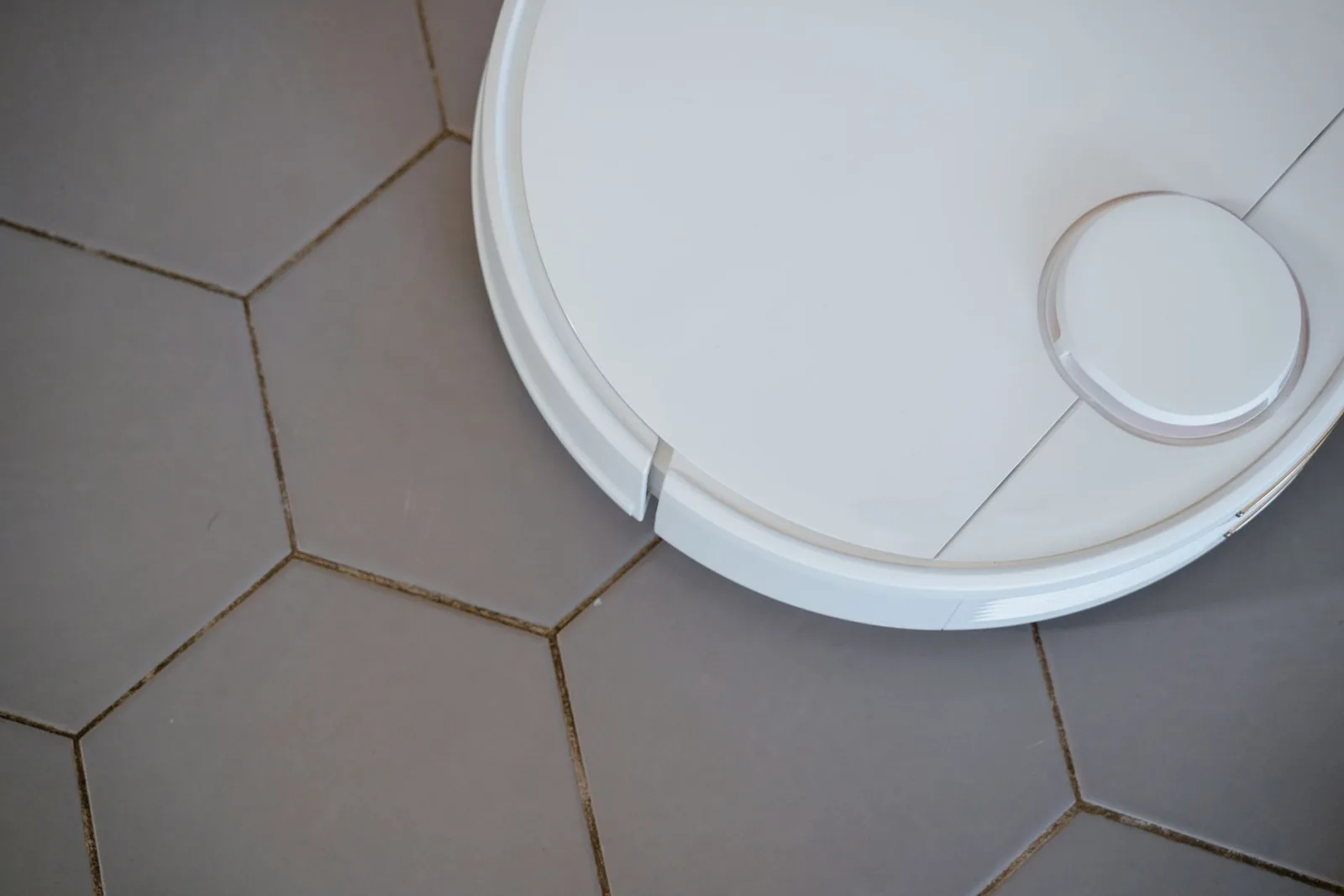
In short: a robot vacuum combines brushes, a suction motor, a battery and sensors, all driven by a navigation system. Depending on the model, it moves at random or builds a map of the home with a laser or a camera. It avoids obstacles and stairs, adapts its cleaning to the floor, then returns to its base station on its own to recharge, and sometimes to empty itself.
Knowing how a robot vacuum works helps you understand what separates an entry-level model from a more advanced robot. They all follow the same chain: sense their surroundings, plan a route, move, clean, then return to their base. The difference lies mainly in navigation, the range of sensors and what the base station automates. This guide covers each link in the chain, without targeting any brand or model.
The three main types of navigation at a glance
| Navigation | Principle | Map of the home | Typical use |
|---|---|---|---|
| Random or gyroscopic | Turns at each obstacle or estimates its path | None or simplified | Small, uncluttered room |
| Laser (LiDAR) | Measures distances all around | Accurate, even in the dark | Medium or large home |
| Camera (vSLAM) | Uses visual landmarks | Accurate, depends on light | Well-lit rooms |
Summary of the manufacturer and retailer guides reviewed on 20 October 2026.
The components of a robot vacuum
A robot vacuum takes the shape of a compact, flat disc designed to slide under low furniture. Under its shell, several parts work together.
Brushes, motor and filtration
Cleaning relies on a sequence of operations. The side brushes sweep dust from edges and corners towards the centre of the device, where the main brush lifts dirt from the floor. The motor creates the suction that sends debris into the dust bin, then a filtration system traps particles before releasing the air. Some models include HEPA-type filters, which capture part of the fine dust.
Manufacturers often quote suction power in pascals (Pa). This figure reflects a pressure produced by the motor, not the quality of the cleaning: the brush design and the sealing of the airflow matter just as much, and the value is hard to compare from one brand to another.
Battery and electronics
A rechargeable battery powers the wheel, brush and suction motors. A circuit board gathers the sensor data and decides on movements in real time. Most robots can also be controlled from a mobile app, which runs over the home network: the guides in the Wi-Fi and networking section help check that the signal reaches every room.
Navigation and mapping: how the robot finds its way
Navigation is the brain of the device. It determines how the robot analyses the room, plans its route and avoids going over the same spot needlessly.
Random, methodical or gyroscopic navigation
On the simplest models, the robot moves forward until it hits an obstacle, then changes direction. The approach is cheap but not very methodical: some areas get several passes, others are left out of the route. So-called methodical navigation instead organises the route in parallel lines or a zigzag. With a gyroscope or an inertial measurement unit, the robot estimates its heading and the distance travelled to build a simplified picture of the room.
Alongside these routes, specific modes exist: a spiral movement focuses cleaning on a small dirty area, and a wall-following mode takes care of edges and skirting boards.
Laser or camera navigation
Mapping robots go further. A laser sensor (LiDAR), often housed in a small turret on top, continuously measures the distances around the device and draws an accurate map of the home, even in the dark. Camera navigation, known as vSLAM, picks out visual features of the room to locate itself; it works well but depends more on ambient light.
The map in the app
Once the map is built, the app makes it usable. You can start cleaning a specific room, set no-go zones or virtual walls around a pet bowl or a delicate rug, and schedule cycles at fixed times. Some models store several maps for a home on several floors. For a single small area, a model without mapping can be enough. As with a security camera viewed remotely on a smartphone, access to this account is protected by a strong password specific to the device.
Obstacles, stairs and rugs: the role of sensors
Sensors let the robot adapt its movements in real time. Each has a specific job.
- Obstacle sensors: infrared, laser or camera sensors detect walls, furniture and objects to change course before or at the moment of contact.
- Cliff sensors: placed under the device, they spot a change in level, such as the top step of a staircase, and make the robot back away.
- Carpet and dirt sensors: depending on the model, they recognise a change of surface or a dirtier area and adjust the cleaning.
The most advanced models combine several types of sensors with recognition algorithms to get around cables, shoes, socks or pet bowls. Obstacle avoidance is always a trade-off: a very cautious robot keeps away from furniture legs and leaves dust along the skirting boards, while one that gets too close risks getting tangled. The round shape also makes right-angled corners hard to reach.
A cleaning cycle, from start to return to base
A typical cycle has three stages.
- Mapping: on first use, a mapping robot explores the home to create its digital map, which it then uses to plan an efficient route.
- Cleaning: the robot follows its route and adjusts its settings to the surface. On a rug, some models automatically increase suction to remove embedded dust.
- Returning to the base: at the end of the cycle, or when the battery runs low, the robot goes back to its base on its own to recharge. Models that offer automatic resume then set off again from where they stopped.
Useful battery life therefore depends on the area, the floor type and the chosen power, and the ability to resume a cycle matters as much as the quoted battery life.
Base station and mopping: what the robot automates
A station that does more than charge
The simplest base station only recharges the battery. More complete stations suck the contents of the robot’s bin into a larger bag, known as self-emptying. On mopping robots, they can also clean the mops, collect the dirty water, refill the clean water tank and dry the pads. This automation spaces out manual tasks, at the cost of a larger footprint. The robot thus joins the equipment that home automation runs day to day, and some models can be controlled from a home automation hub depending on the protocols they support.
How a mopping robot mops
The mopping robot adds a step to the cycle: suction first removes dust and debris, then a damp mop, fed by a tank, deals with fine dust and some marks on hard floors. Three mechanisms coexist: rotating pads, which press down as they turn; vibrating pads, which partly mimic manual scrubbing; and a roller rinsed continuously as it moves. When reaching a rug, some models reduce the water flow or lift their mops, then resume mopping on the hard floor. Mopping remains regular upkeep: it freshens floors without replacing an occasional manual clean of stubborn stains.
Maintenance: the habits that keep the robot effective
A robot vacuum is still a device that needs a minimum of attention. The regular tasks are:
- empty the dust bin, or the station bag on a self-emptying model;
- remove hair and fur wrapped around the main brush and side brushes;
- wipe the sensors, as dirt on them disrupts navigation;
- clean, then replace, filters, brushes and mops as often as the manufacturer recommends;
- on a mopping robot, empty the dirty water and refill the clean water if the station does not.
Some apps send an alert when a part needs cleaning or replacing.
Preparing the home and keeping control of your data
Before each run, clearing the floor remains the most effective habit: cables, socks, toys and curtain cords are the classic traps. Where the station goes matters too: a clear spot, easy for the robot to reach and close to a socket.
Robots fitted with a camera capture images of the inside of the home, and depending on the manufacturer, some maps or photos may pass through the cloud. A few questions are worth asking before buying: can the camera be turned off, are images processed on the device or online, and does the robot still clean without an internet connection? To integrate the vacuum into an already equipped home, the smart home section gathers the guides on home automation, and the other articles in the robot vacuums section detail the buying criteria.